Simulator centres
Hours on a full-mission simulator are expensive, and finding time between contracts is hard.
OOW Simulator puts you on the bridge of a container ship: radar and ARPA, the COLREGs, lights, anchoring, man overboard and fire. Every mistake is explained with the Rule behind it. Prepare for the exam the way you will keep a watch.
Built for cadets in training and for ratings who want to become officers. Practise the core skills of a junior navigator, build confidence and sharpen your actions in emergencies.
Hours on a full-mission simulator are expensive, and finding time between contracts is hard.
At sea you rarely get to handle the ship yourself, and the right situations to practise may not come for weeks.
No dull manoeuvring boards or rote learning. You handle the ship and see the result of every decision at once.
Every screen is from the working simulator. Switch the console and see what waits for you on watch.
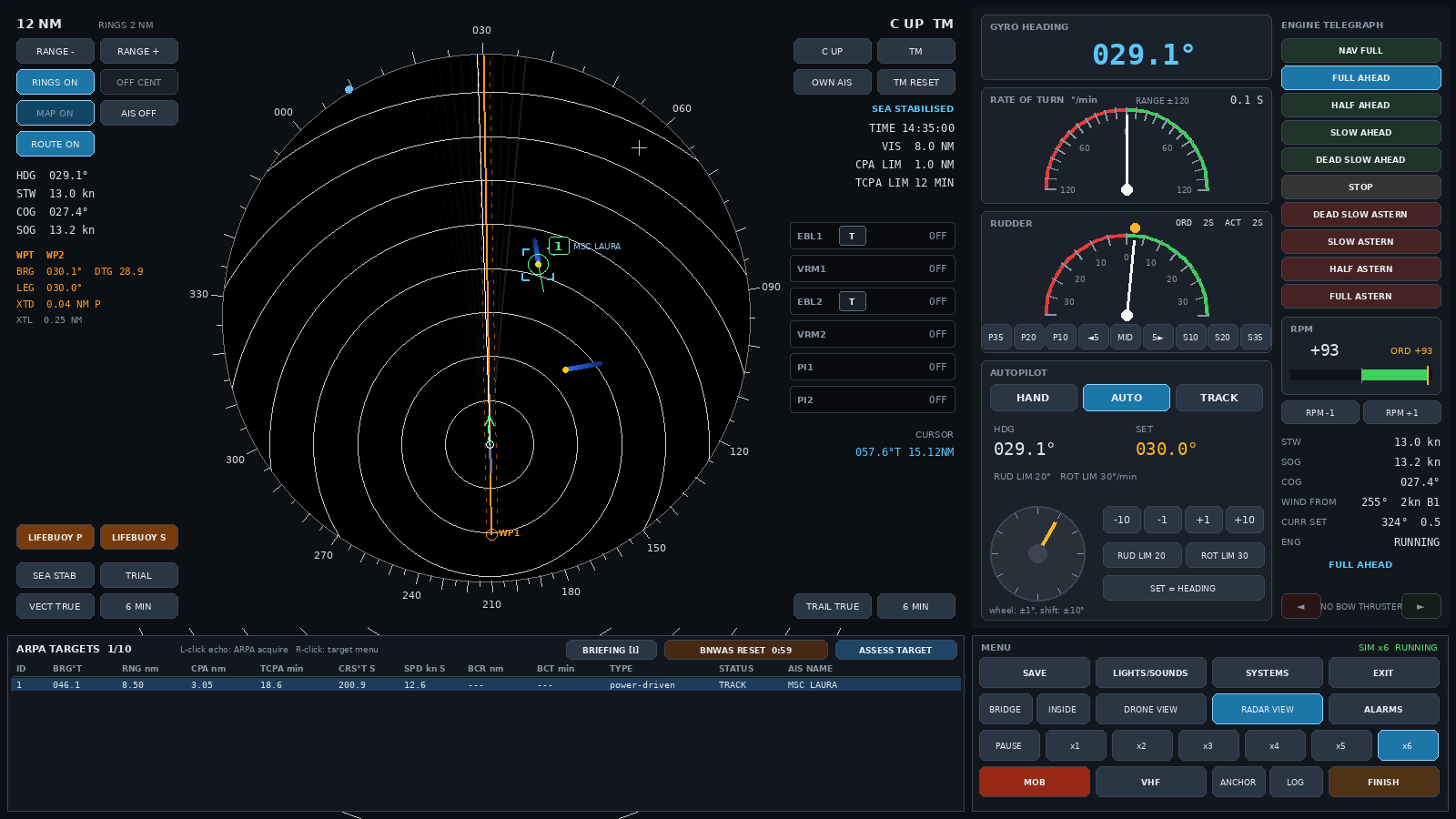
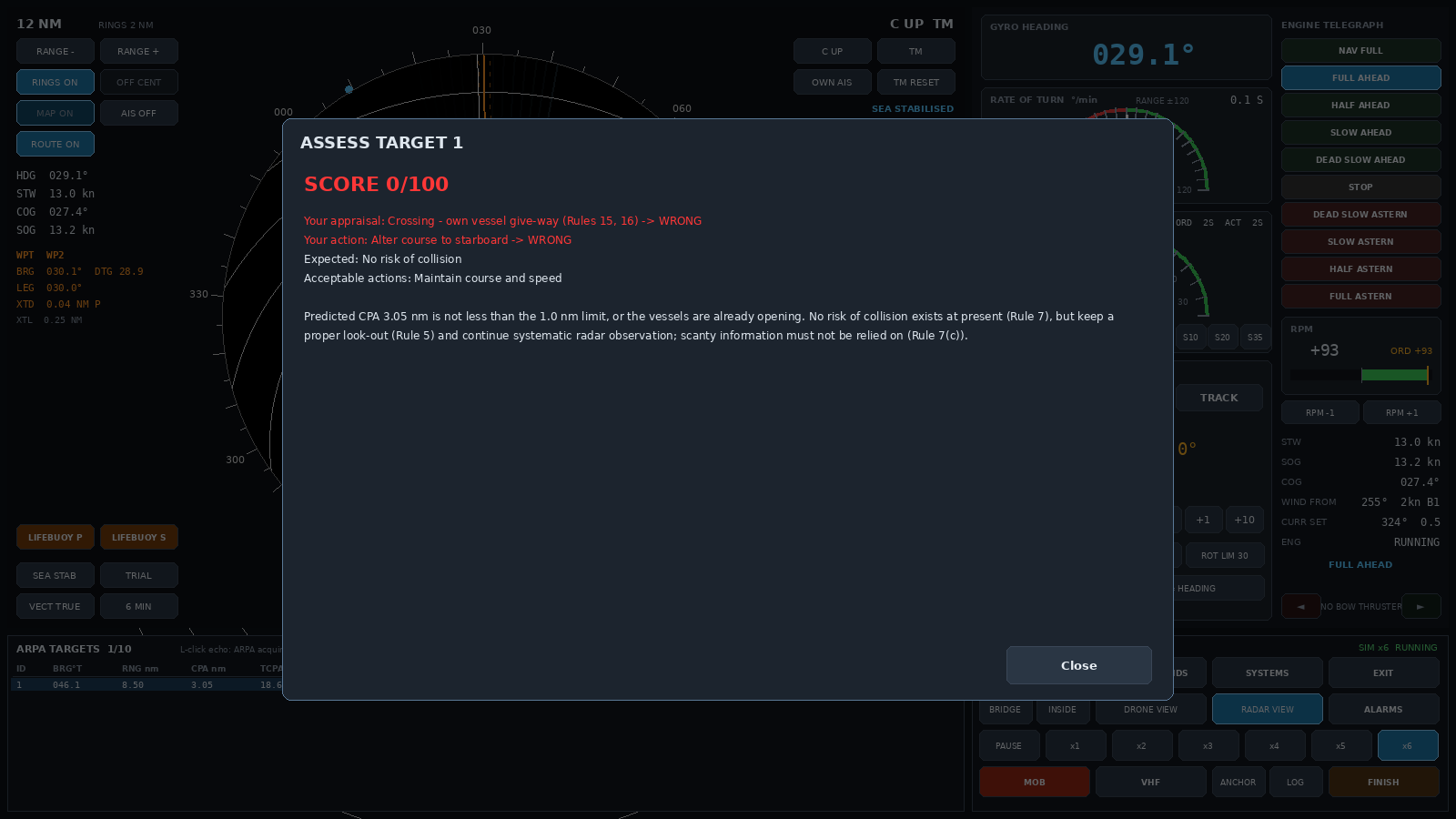
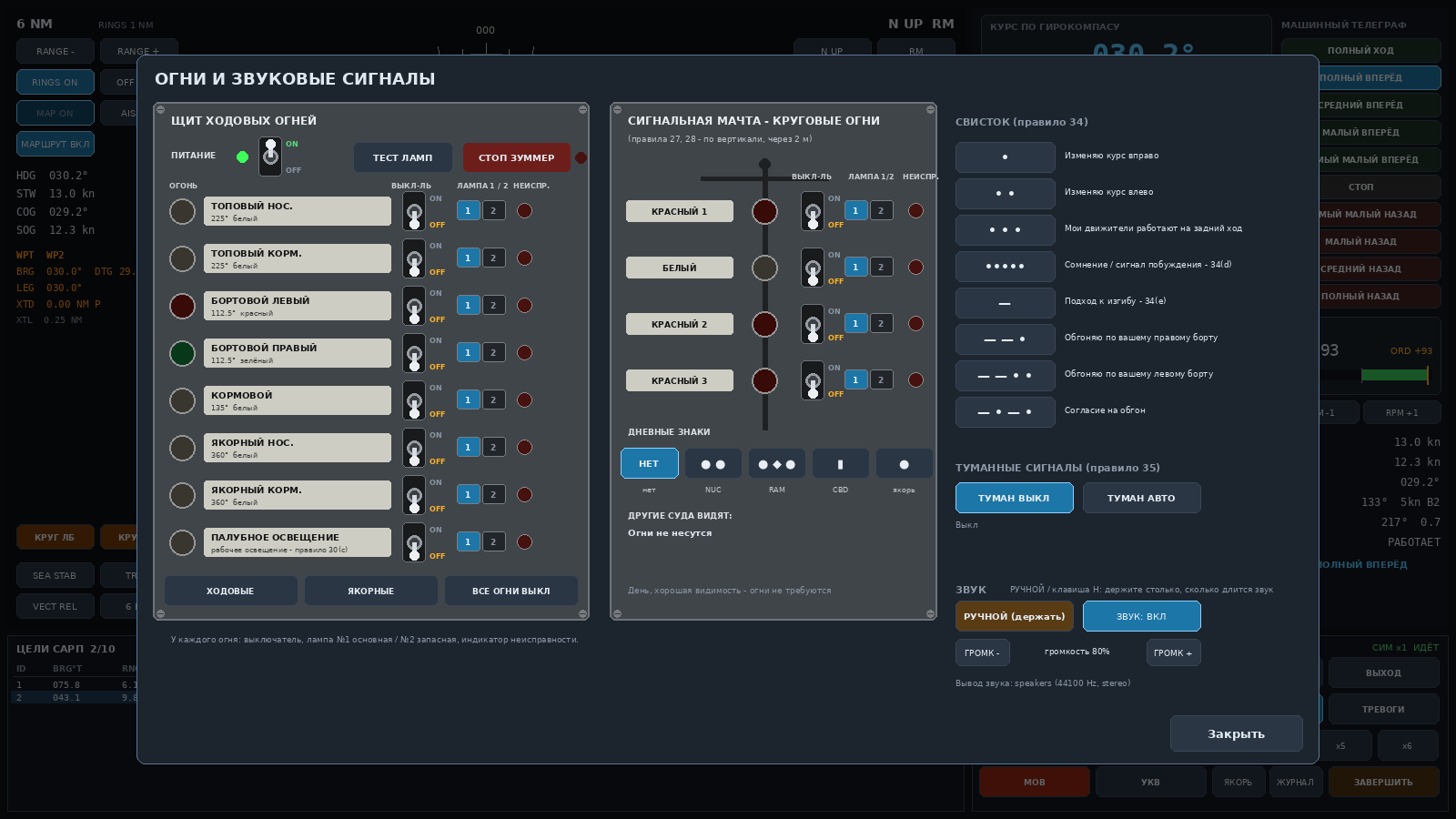
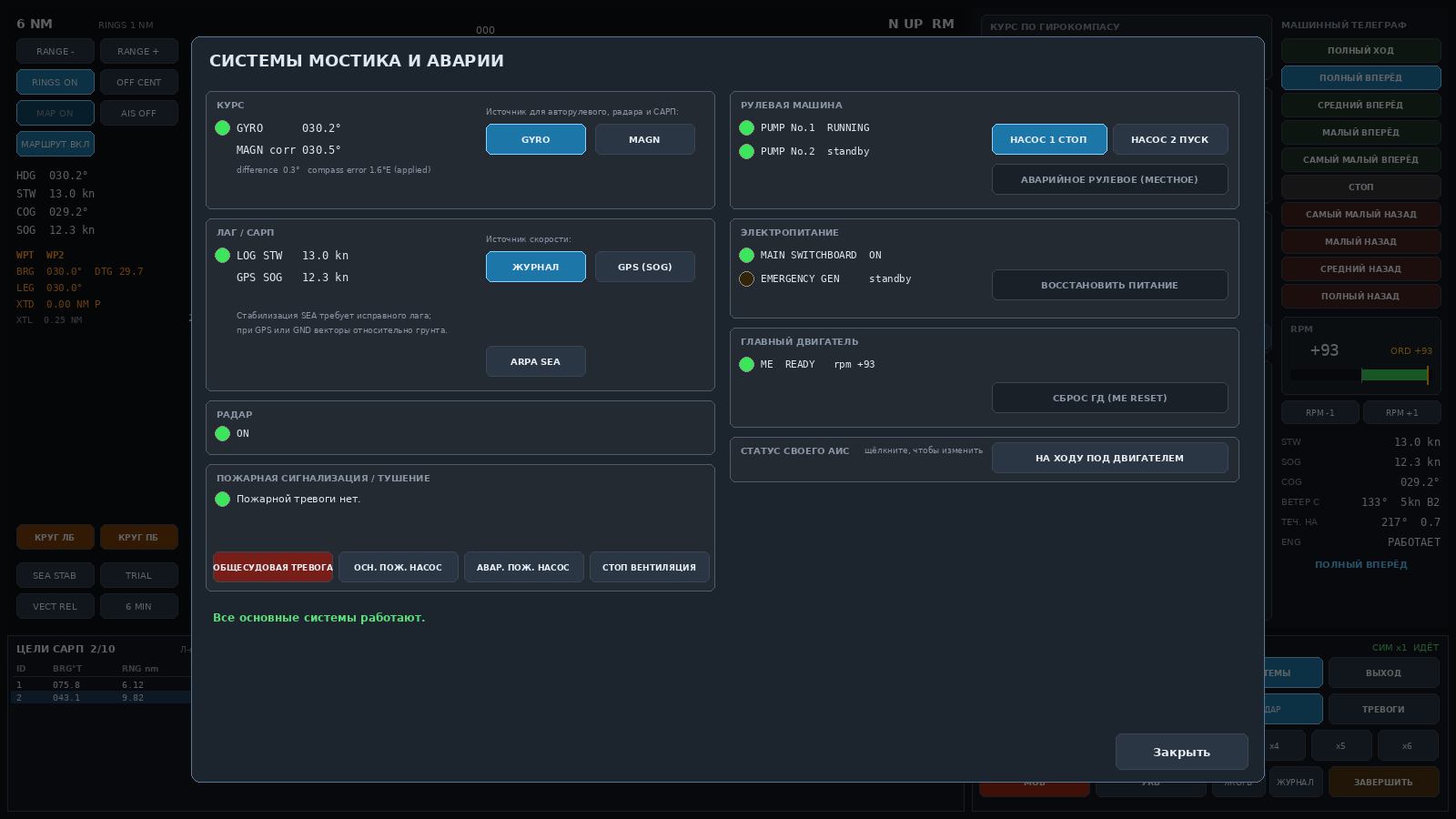
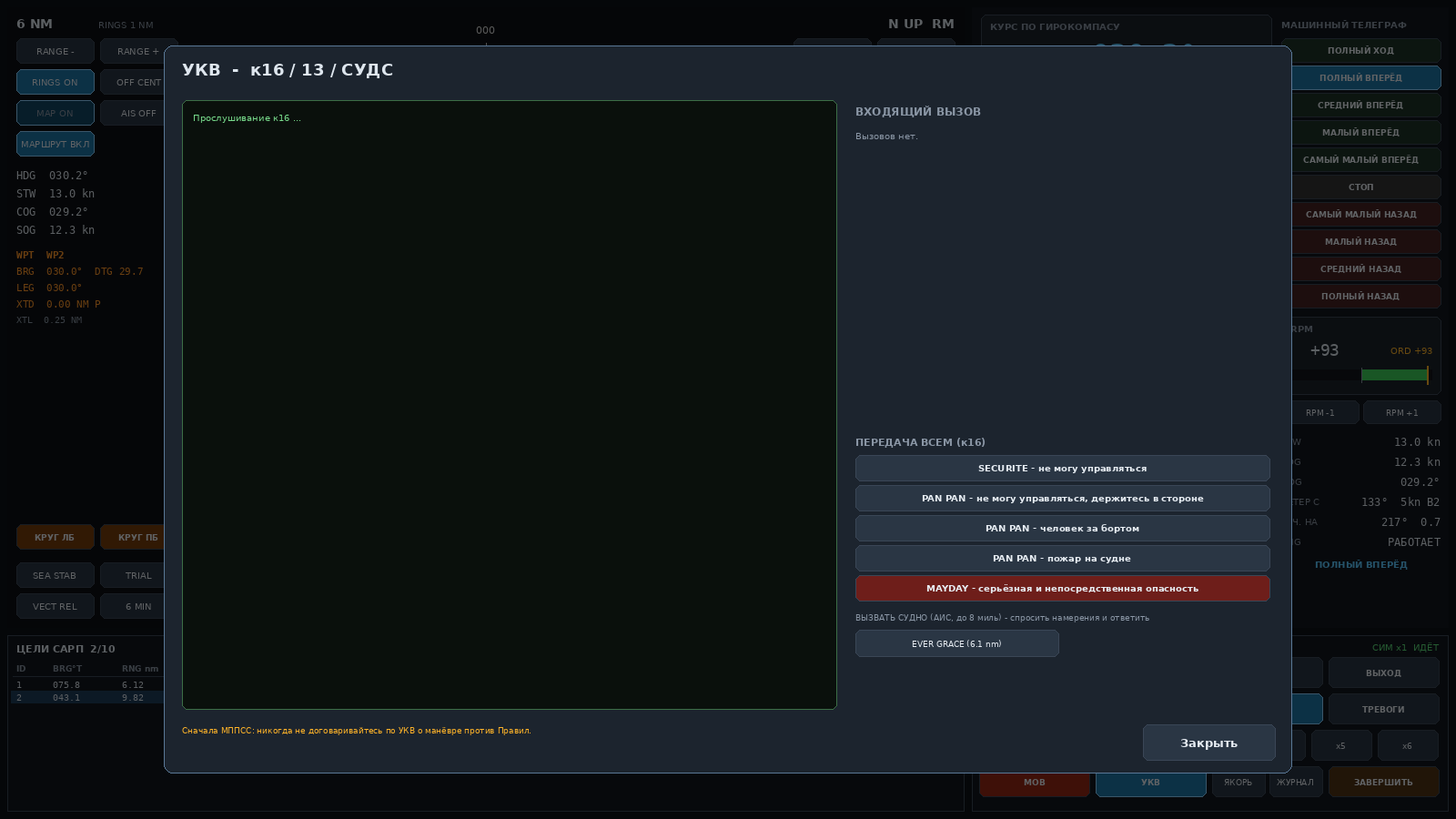
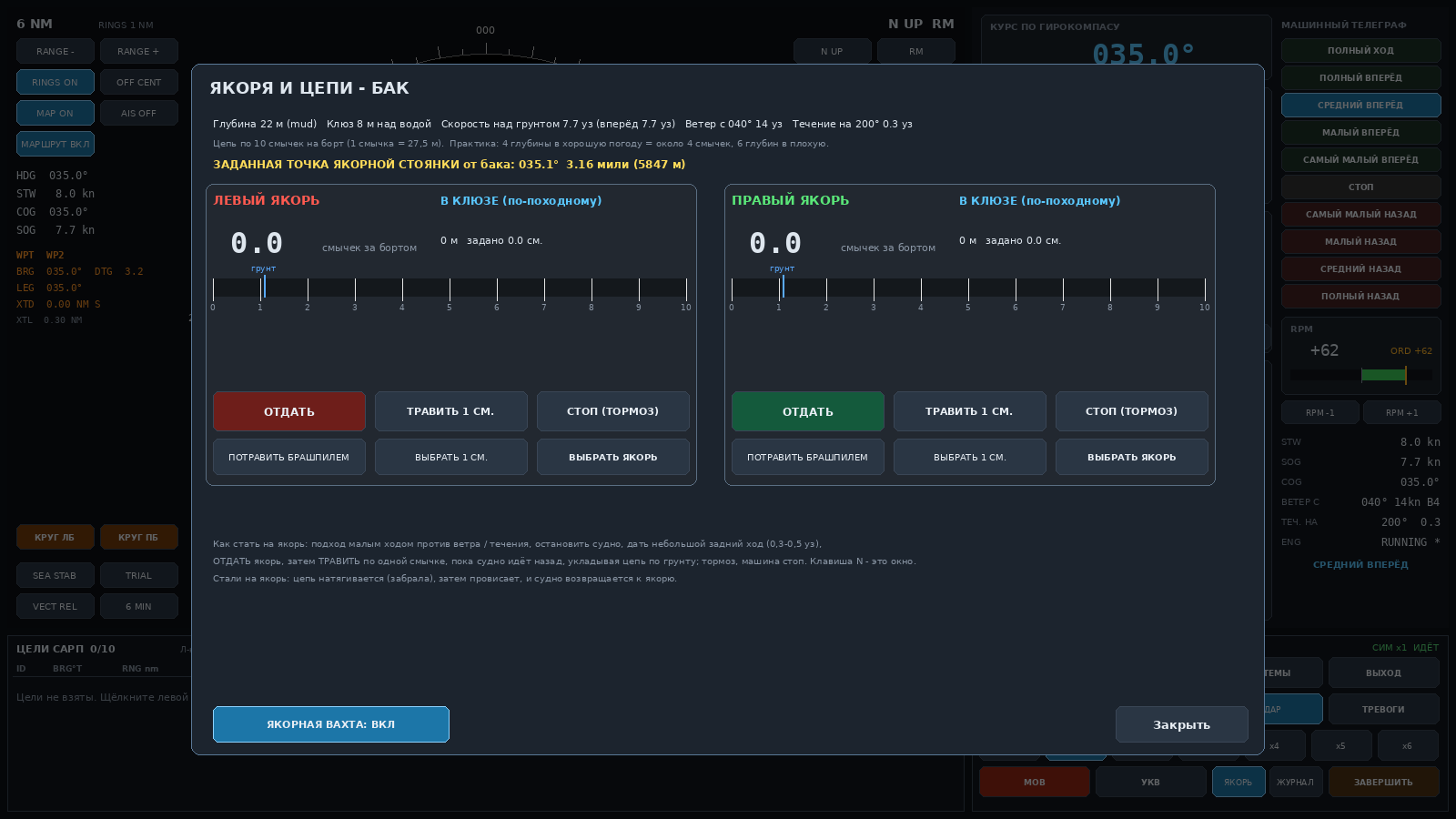
Acquire targets by clicking an echo, read course, speed, CPA and TCPA. The vector shows where the target will be after the chosen time.
A 30-second overview, three mistakes that cost marks in the exam, and anchoring. English voiceover.
Three exam situations. Look at the lights and choose your action. The simulator has the same test with many more situations.
You are under way, course 000°. On the starboard bow: two white masthead lights, the lower one to the left, and a red sidelight. The bearing is steady.
A typical exercise: the ship follows her route and events arrive one after another. Every action you take is scored.
This example was written for this page. Events and their order come from the exercise scenario.
Switch view at any moment: bridge wing, inside the wheelhouse or a drone above the ship.
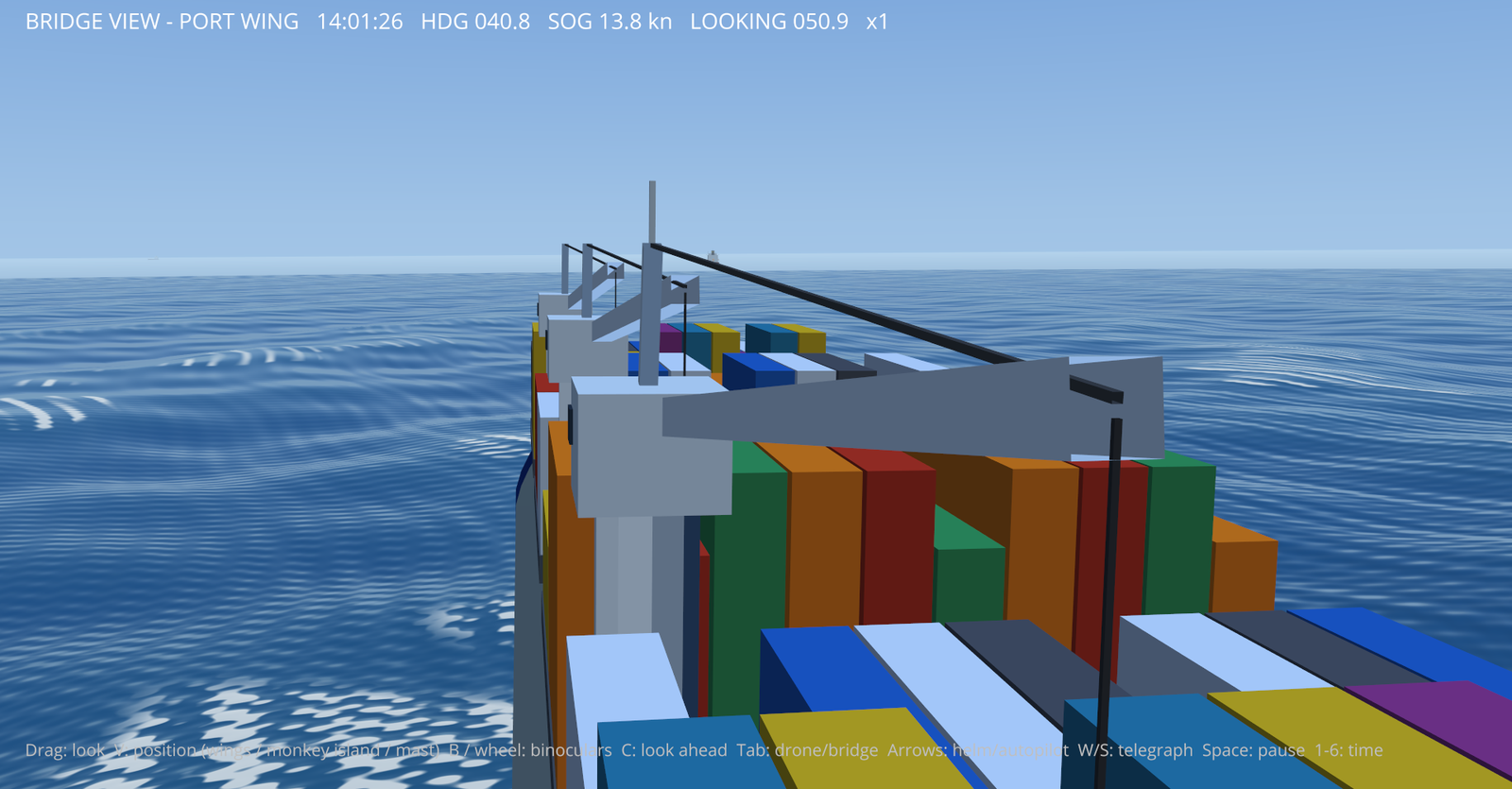
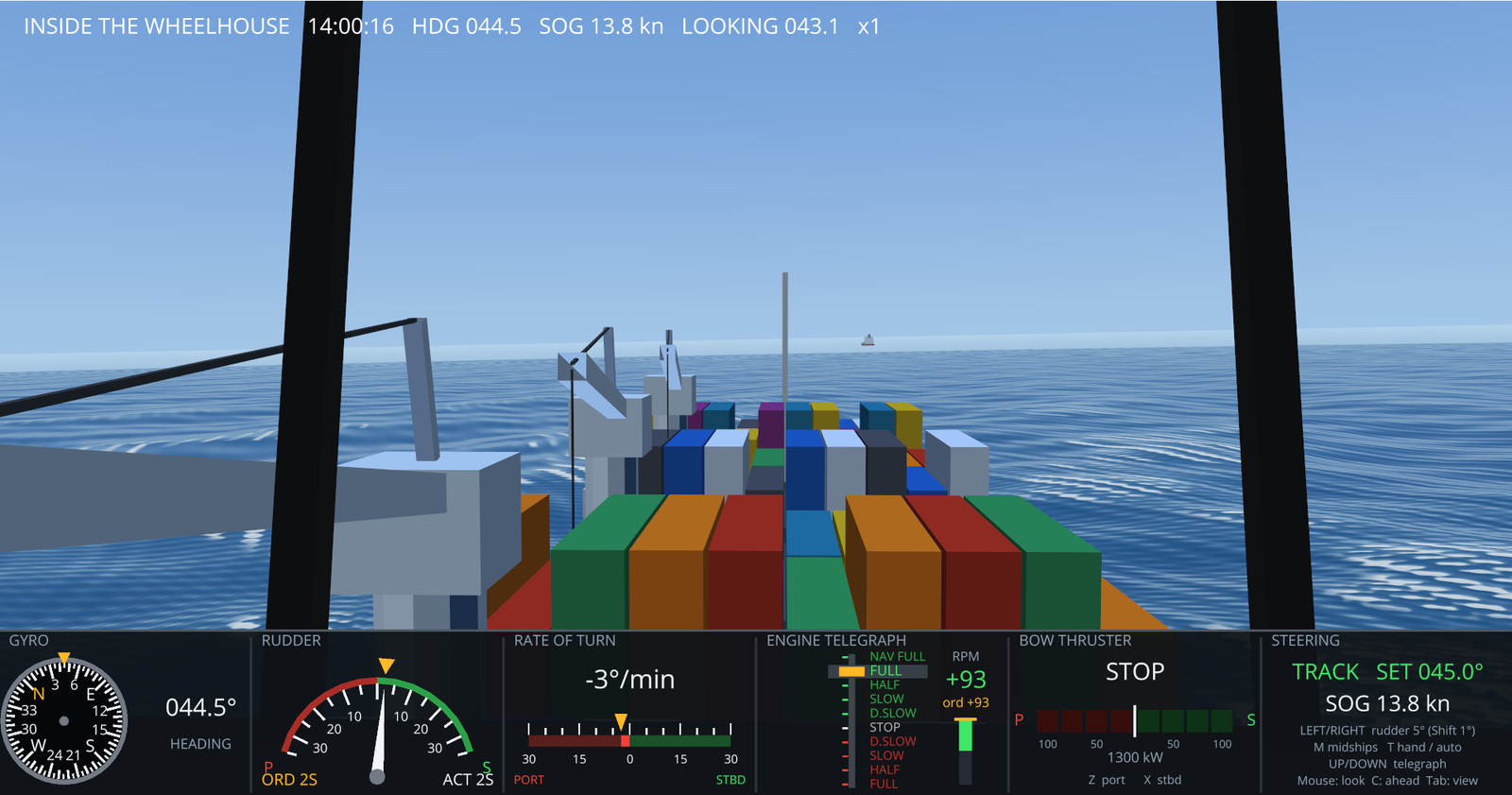
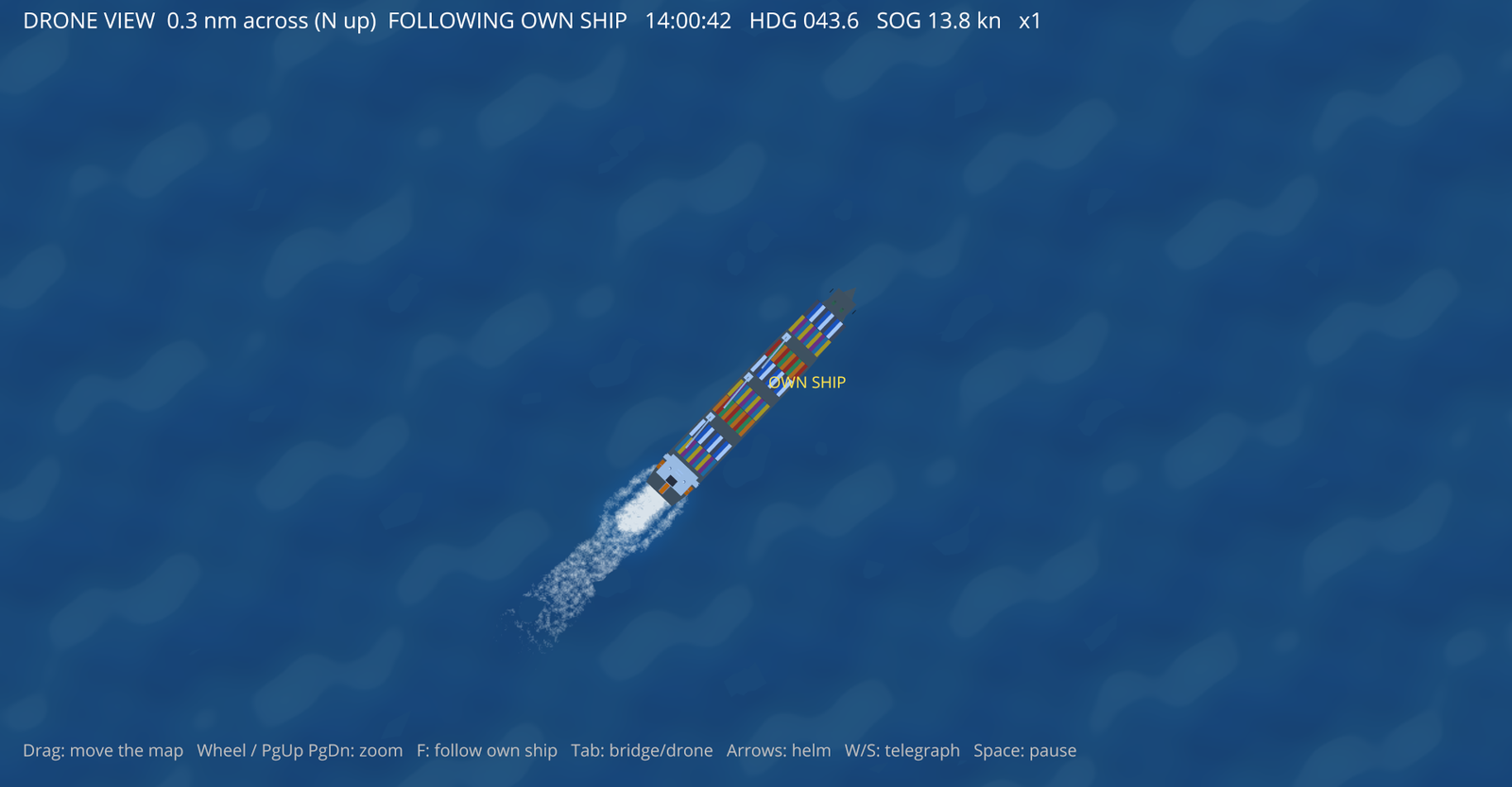
Pause time, run at up to ×6, check the Rule and carry on.
The clock runs, there are no hints, and at the end you get a score and a list of mistakes.
Set the ship, targets, weather, failures and the task.
Beta version. Pay in USDT on the TRC20 network. The program and licence arrive 15 minutes to an hour after payment.
Maritime colleges, academies and training centres. Contact us and we will agree terms for your syllabus.
Contact usOrders are placed in the Telegram bot @oow_simulatorbot. It shows the amount and the USDT TRC20 address and takes the transaction hash and your contact details.
Send only USDT on TRC20. Funds sent on another network or in another coin cannot be returned.
Leave your contact when you buy: you will get a notice in the Telegram bot and by email when a new version is out. It installs over the old one and keeps your licence and profiles.
For now everything is done by hand, so expect a reply within 15 minutes to an hour. Automatic delivery is on the way.
OOW Simulator is a training program for exam preparation and self-study. It does not replace a certified simulator and does not qualify you for a position. The program is in beta, so payments are not refunded.
| System | Windows 10 or 11, 64-bit, no administrator rights needed |
|---|---|
| Processor | dual-core 2 GHz, quad-core recommended |
| Memory | 4 GB, 8 GB recommended |
| Graphics | OpenGL 3.3 support. Integrated Intel or AMD is enough, a discrete card gives smoother 3D |
| Display | 1280×720 or more, 1920×1080 recommended |
| Disk space | about 500 MB, installer up to 100 MB |
| Internet | only to receive the program and licence |
| Languages | Russian and English interface, PDF manual |
Requirements are approximate.
No. It is a program for preparation and self-study. Official assessments are done on certified simulators.
No. After activation the program works offline.
One. A second computer needs its own licence.
Not yet. Look through the screens and videos on this page to see how the program works.
No. The program is in beta and payments are not refunded.
A notice goes to the Telegram bot and the email you leave when you buy.
Yes. Contact us and we will agree individual terms.
Send us your Windows version, the error text and a screenshot. We will help you install it.